
Home CCTV power requirements (Brisbane install guide)
PoE vs 12V DC, NVR location, UPS backup, IP-rated cabling: the power side of a residential CCTV install for Brisbane homes.
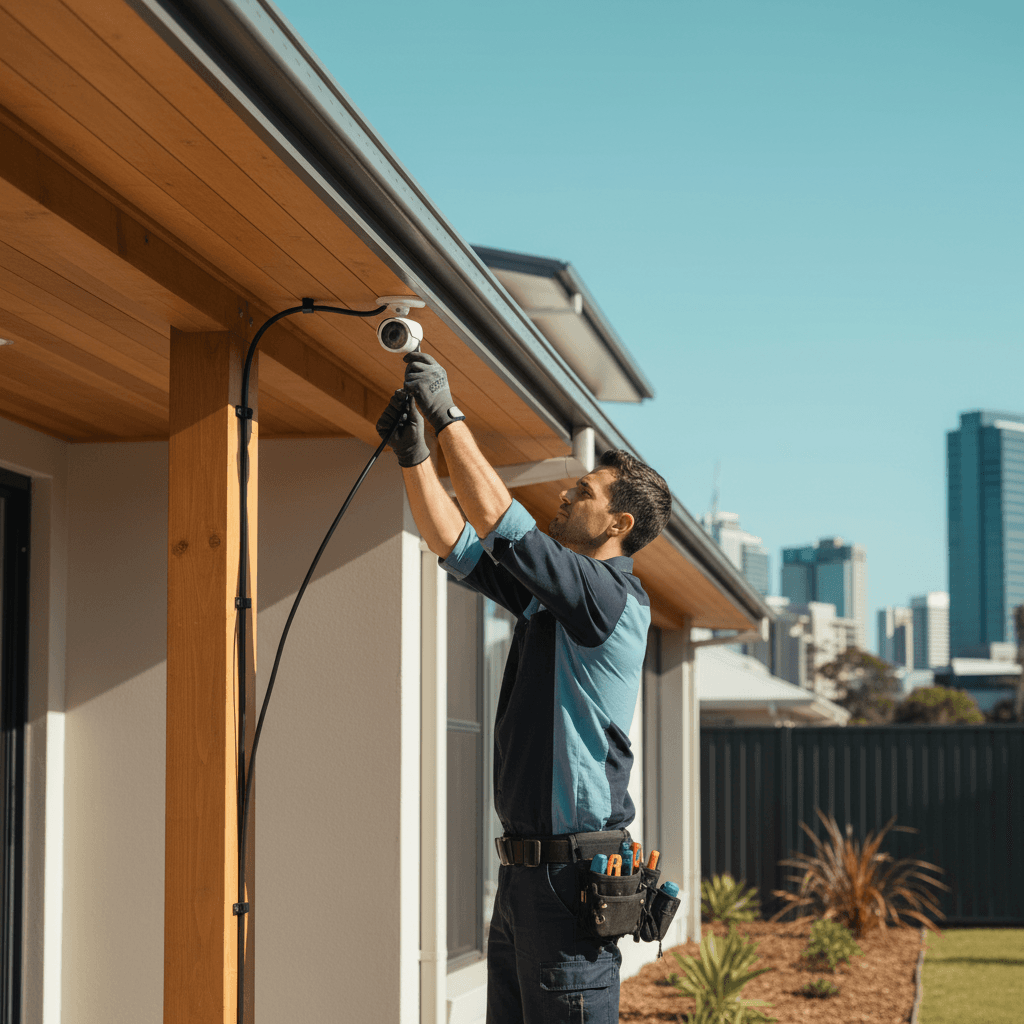
Most homeowners who ring me about CCTV have already looked at the cameras and the recording setup. What they haven't thought through is the power side: how each camera gets power, where the NVR (network video recorder) lives, and whether the whole system goes dark the moment the power flickers in an SE Queensland storm. Those things matter more than which camera brand you pick.
Here's the power architecture for a residential CCTV system that works in Brisbane conditions.
PoE vs 12V DC: the only choice that matters
There are two main ways to power a CCTV camera:
PoE (Power over Ethernet): a single Cat6 cable carries both data and power from a PoE switch to the camera. The switch sits in your comms cabinet inside the house. The camera hangs on the eave or wall outside with a single cable entry point.
12V DC: a separate power supply (usually a multi-channel PSU in a metal box) sends low-voltage DC along coaxial or figure-8 cable to each camera. Older Hikvision, Dahua, and most analogue CCTV systems work this way.
For new residential installs in 2026, PoE is the correct answer in almost every case. Here's why:
- One cable per camera instead of two (power + data vs power + coax)
- PoE cameras are IP cameras with individual IP addresses, individual configuration, higher resolution (4K is standard in 2026 PoE cameras)
- The PoE switch and NVR live inside, so all the electronics are climate-controlled and protected
- UPS (battery backup) at the switch protects the whole system from power outages
- Tidier installation, easier troubleshooting
12V DC systems persist in retrofit situations where existing coaxial is already in the walls and a full re-cable is cost-prohibitive. If you have an old coaxial CCTV system and just want to swap cameras, that's the only scenario I'd consider it for new work.
Who can install it: structured cabling (Cat6 to cameras) is fixed cabling work that requires an ACMA-registered Open Cabling Registration holder. The GPO for the NVR/switch and any additional power circuits are electrical work under the Electrical Safety Act 2002 (QLD) requiring a licensed sparky. These are often separate trades; I coordinate both on residential jobs.
NVR location and power
The NVR (or NAS running surveillance software) is the brain of the system. It records, stores, and provides playback. Location matters:
Requirements:
- Climate-controlled. Electronics running 24/7 don't like the heat. Ceiling spaces in Brisbane homes hit 50-60°C in summer. Garages get hot. A dedicated comms cupboard (laundry, spare room, under-stair) with ventilation is the right answer.
- Accessible but not public. You don't want the NVR stolen or tampered with. A locked cupboard is ideal.
- Near data and power infrastructure. The PoE switch connecting to cameras lives here too.
Power requirements:
- The NVR itself uses 10-30W typically.
- The PoE switch uses 15-60W depending on how many cameras and how much PoE power each draws.
- Budget a dedicated GPO circuit to the comms cabinet, not a shared circuit. If the kitchen trips, you don't want your cameras going down.
A 10A circuit on its own breaker to the comms cabinet is the correct spec. If you're running a home office, home automation hub, and CCTV from the same cabinet, consider a 20A circuit.
UPS backup: more important than you think
Queensland power reliability is not bad, but it's also not perfect. Energex's network does what it can, and most SE Queensland homes see a handful of outages per year, particularly during storm season between October and March. More commonly, you get brief voltage sags and dips during storms that cause equipment to reboot.
Every CCTV system I install gets a UPS at the comms cabinet. Here's why:
- A rebooting NVR doesn't record during the reboot. If your camera went dark for 8 minutes during a storm and something happened in that window, you have no footage.
- PoE switches take 2-3 minutes to fully boot. Cameras come online after that. So a 30-second power dip can mean 5 minutes of lost recording.
- Storms are exactly when you most want your cameras running. Trees come down, fences collapse, people do things they shouldn't.
A basic 600VA UPS at the comms cabinet provides 20-30 minutes of runtime for a 6-camera system. That's enough to ride out typical Queensland power events and provide graceful shutdown if the outage is longer.
UPS units also filter voltage - they smooth out the sags and spikes that cause equipment to age prematurely. In coastal Brisbane areas (Wynnum, Manly, Carindale) where salt air and storm surges affect power quality, this is not trivial.
Cabling and routing for Brisbane homes
Cat6 routing from the comms cabinet to each camera location is the data cabler's job. For a typical 4-6 camera setup:
Eave cameras (most common): cable routes through the ceiling cavity, exits through the soffit/eave, weather-sealed at the penetration point. Clean installation, minimal external cabling visible.
Wall cameras: cable drops internally through a cavity wall where possible, or runs in conduit on the exterior. External conduit on weatherboard or Queenslander homes can look untidy; I prefer internal routing through ceiling and down an interior wall where feasible.
Cable specification: use UV-rated Cat6 outdoor cable for any external run. Standard Cat6 has a PVC jacket that degrades in UV within 2-3 years in Brisbane conditions. UV-rated cable has a black HDPE or UV-stabilised jacket that survives the elements for 10+ years.
Cable protection at penetration points: where cable passes through a wall or soffit to an external camera, the penetration should be sealed with a suitable outdoor sealant to prevent water ingress. At the camera mounting point, use a proper weatherproof junction box or camera back box rated IP66 or better.
IP ratings and weatherproofing
An IP rating tells you how resistant a product is to water and dust. For CCTV cameras in Brisbane:
- IP66: protected against powerful water jets. The minimum for external cameras mounted under eaves in SE Queensland. Handles rain from any direction.
- IP67: fully immersed in water up to 1 metre. Better for low-mounted cameras near ground level or in areas prone to pooling water.
- IP68: continuous immersion beyond 1 metre. Rare for residential cameras, more relevant for submerged or underground applications.
Most quality PoE cameras from Hikvision, Dahua, Reolink, and Axis for residential use are IP66 or IP67 rated. Verify the rating on the datasheet before buying, not just the marketing material.
Junction boxes at cable penetrations should also be IP-rated. I use IP55 minimum for junction boxes under eaves, IP66 for anything fully exposed.
Cost per camera in 2026 Brisbane
PoE camera installed (hardware + cabling + labour):
- Budget cameras (Reolink, Annke, similar): $55-$80 hardware per camera, $180-$280 per camera installed all-up including cabling.
- Mid-tier (Hikvision AcuSense, Dahua AI): $90-$140 hardware per camera, $220-$320 per camera installed.
- Premium (Axis, UniFi Protect): $200-$400+ hardware per camera, $350-$500+ installed.
System-level costs for a 4-camera system (mid-tier):
- 4 cameras: $880-$1,280 installed
- PoE switch (8-port managed): $80-$200
- NVR or NAS: $200-$600 depending on storage
- UPS: $150-$300
- Total: $1,300-$2,400 fitted for a 4-camera system
A 6-camera system all-up runs $1,800-$3,500 depending on camera tier and comms cabinet complexity.
If you're also running a video doorbell on the same PoE switch, the incremental cost is mostly just the doorbell hardware and the cable run.
Ring me on 0411 054 811 and tell me how many cameras, where they need to point, and whether you have an existing comms cabinet. I'll give you a fixed-price quote.
, John
I'm John, local Camp Hill sparky, fully licensed, fixed-price quotes, lifetime workmanship warranty. Ring me direct on 0411 054 811 or send a quick message.
Keep reading
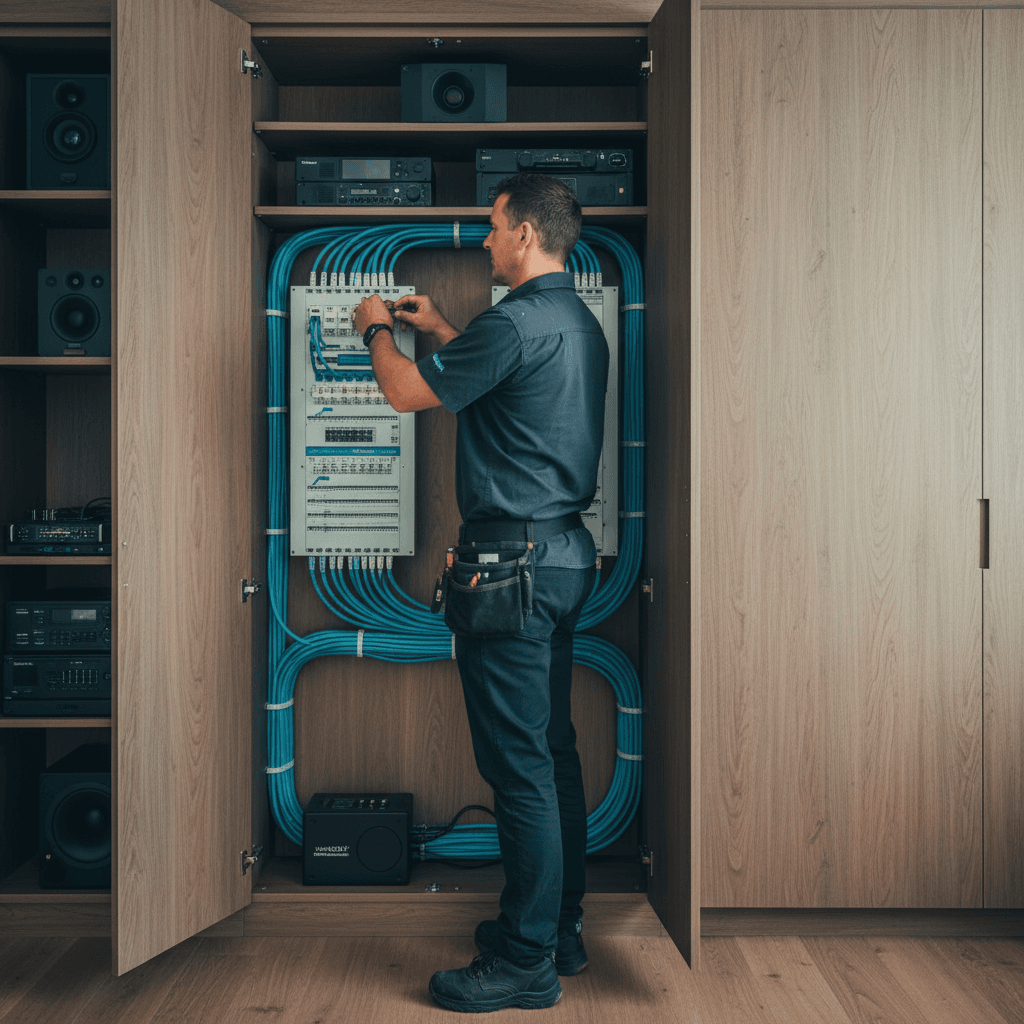
Data cabling for a Brisbane new build or full reno: the future-proof layout
Cat6, Cat6A, fibre, structured panels: the cabling spec that lasts 15 years, room-by-room, with the install pricing.
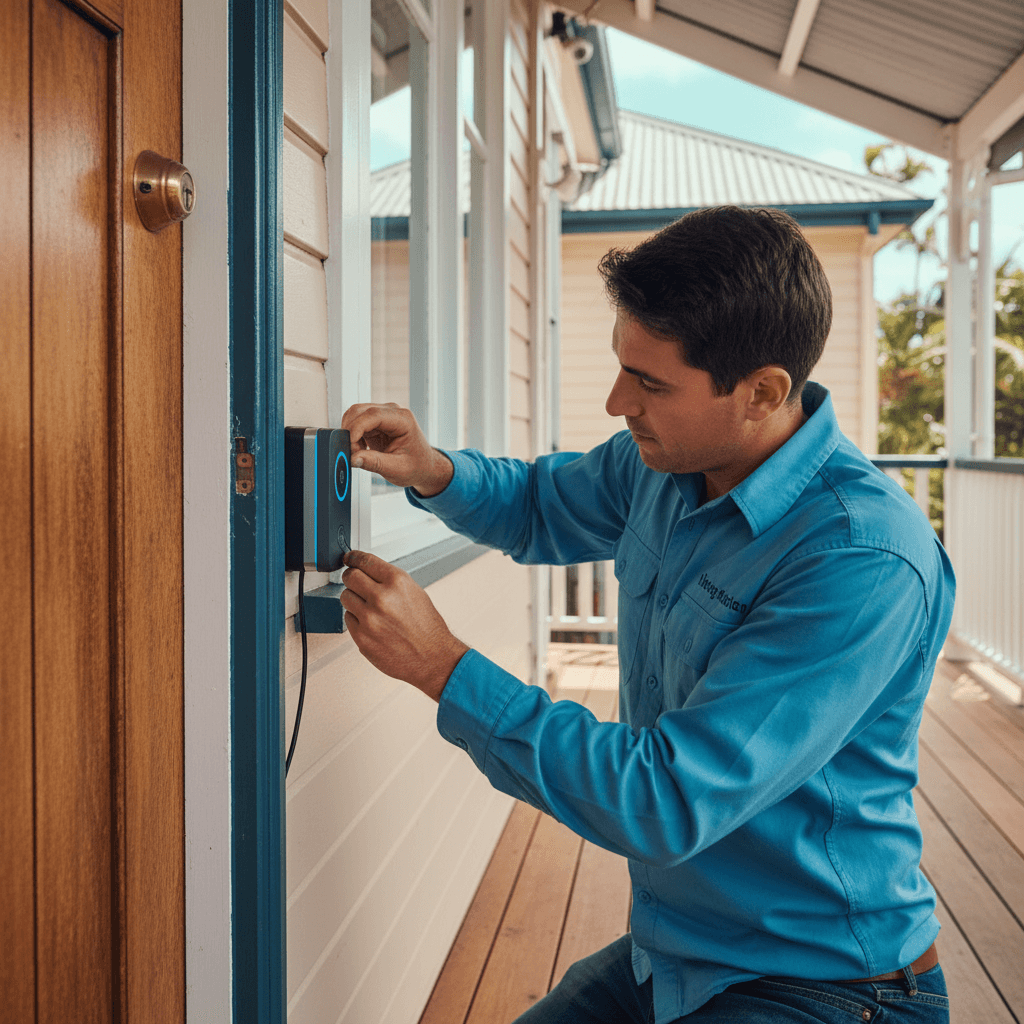
Video doorbell installation in Brisbane: hardwiring vs battery, and the real wiring needed
Ring, Eufy, Reolink: the differences between battery and hardwired install, the transformer requirements, and the data cable for a 2026-spec doorbell.