
Power out at your house? The 6 things to check before ringing Energex (or me)
When the lights go off, three quarters of the time it's a tripped safety switch, not Energex. The ordered list to check, in 90 seconds, before anyone gets called.
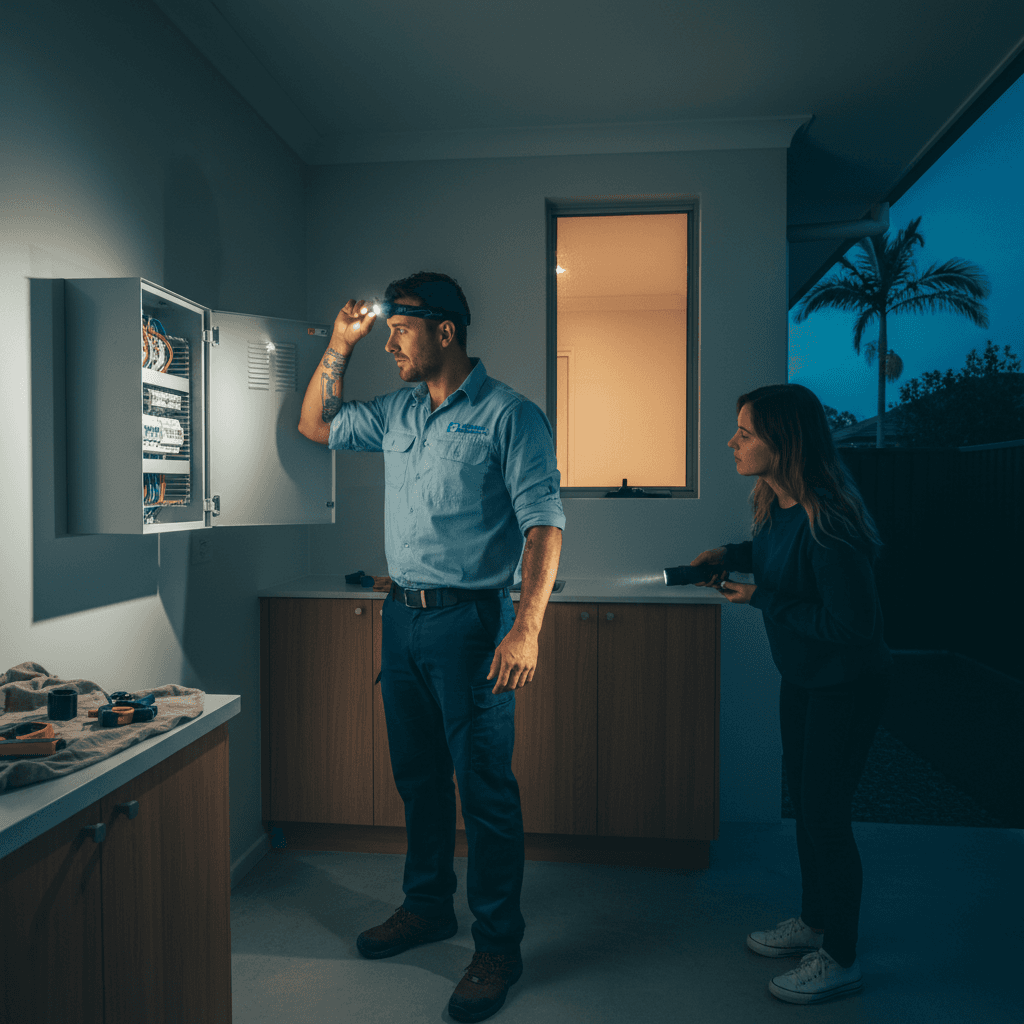
When the power goes off, the instinct is to immediately ring someone. Usually that someone is me, or Energex. Before you do either, run through these six checks. Roughly three quarters of the "my power is out" calls I get are resolved by the homeowner before I even arrive, because the problem is a tripped safety switch, not the network.
This list is in order. Start at the top.
Check 1: Are your neighbours out too?
Before touching your switchboard, step outside and look at the street. Are other houses dark? Are the street lights out? Can you see your neighbour's porch light?
If multiple houses are out, this is almost certainly an Energex network fault, either a blown fuse on the local transformer, a cable fault, or damage from a storm. Go to Check 5 (Energex outage status) and skip the switchboard entirely.
If your house is the only one dark, the fault is almost certainly on your side of the meter. Continue through the list.
Check 2: Is your main switch on?
Open your switchboard. The main switch is the largest switch at the top, usually labelled MS or Main Switch, rated at 63A or 80A. It should be in the ON (up) position.
If it is OFF, try switching it back to ON. If it springs back to OFF immediately, there is a fault on the supply side or the main switch itself has failed. Do not force it. Ring a sparky.
If you can turn it ON and power is restored, something caused it to trip, possibly a brief overload or a fault that has since cleared. Note it happened and keep an eye on it.
Check 3: Has a safety switch tripped?
This is the cause for most partial outages, and also for many full-house outages in homes where all circuits share a single RCD.
Look at your switchboard for devices with a "T" test button. These are your RCDs or RCBOs. Check whether any of them are in the middle or OFF position rather than fully up and ON.
To reset a tripped RCD or RCBO:
- Flip it firmly to the fully OFF position first (important for some types)
- Then flip it back to ON
- If it immediately trips back, you have an active fault on that circuit. Unplug everything connected to it, then try again.
If it holds after you unplug everything, add appliances back one at a time. The one that causes the RCD to trip is your faulty appliance.
More detail on why safety switches trip and what to do here.
Check 4: Has a circuit breaker tripped?
Circuit breakers (MCBs) are the standard narrower switches without a test button. A tripped MCB will usually be in a middle or OFF position rather than fully up.
Reset the same way: flip firmly to OFF first, then back to ON. If it holds, you had an overload, too many appliances at once. Spread the load across more circuits or consider a board with more circuits.
If it trips again with reduced load, you have a fault that needs investigation.
Check 5: Is there a planned or reported Energex outage?
If you have checked your board and everything is in the correct position but you have no power, or if the neighbours are out too, the fault is on the network side.
Energex's outage status is accessible via their website and their app. You can also ring 13 19 62, which is the Energex fault reporting and outage line, 24 hours a day. Have your NMI number handy (it is on your electricity bill) or your address.
Planned outages are usually notified by letter or SMS in advance. Unplanned outages from storm damage or equipment failure are what you find on the outage tracker.
During SE QLD storm season, from November through March, the outage tracker is genuinely useful. Network faults during storms can affect individual streets or large sections of suburbs at once.
Check 6: Is your meter blank?
If there is no display on your electricity meter, that is an Energex problem, not a switchboard problem. The meter is their equipment. A blank or error-displaying meter means the supply to your meter has been interrupted or the meter itself has failed.
If the meter display is normal but your switchboard has no power, the fault is between the meter and your switchboard, which is the consumer mains cable. That is an urgent sparky call, not an Energex call.
After the 6 checks: who to ring and when
Ring Energex (13 19 62) if:
- Multiple houses are out
- Your meter is blank
- You have confirmed your switchboard is fully on but have no supply
Ring me (0411 054 811) if:
- Only your house is out and the board checks do not resolve it
- A breaker or RCD will not stay on after eliminating load
- The main switch will not stay on
- You can hear arcing or smell burning from the switchboard
- The power came back but something feels wrong
Full emergency guidance here. For genuine electrical emergencies with sparks, burning smells or damaged wiring, ring me first and ring 000 if there is any immediate danger to people.
I cover Wynnum, Carina, Manly and the surrounding suburbs and can usually be on-site for a fault call within a couple of hours. There is no premium for a standard fault call during normal hours.
, John
I'm John, local Camp Hill sparky, fully licensed, fixed-price quotes, lifetime workmanship warranty. Ring me direct on 0411 054 811 or send a quick message.
Keep reading
What to do in an electrical emergency in SE QLD (the 60-second checklist)
Sparks, burning smell, total power loss, water hits the switchboard? Here's the exact 60-second checklist before you ring an emergency electrician.
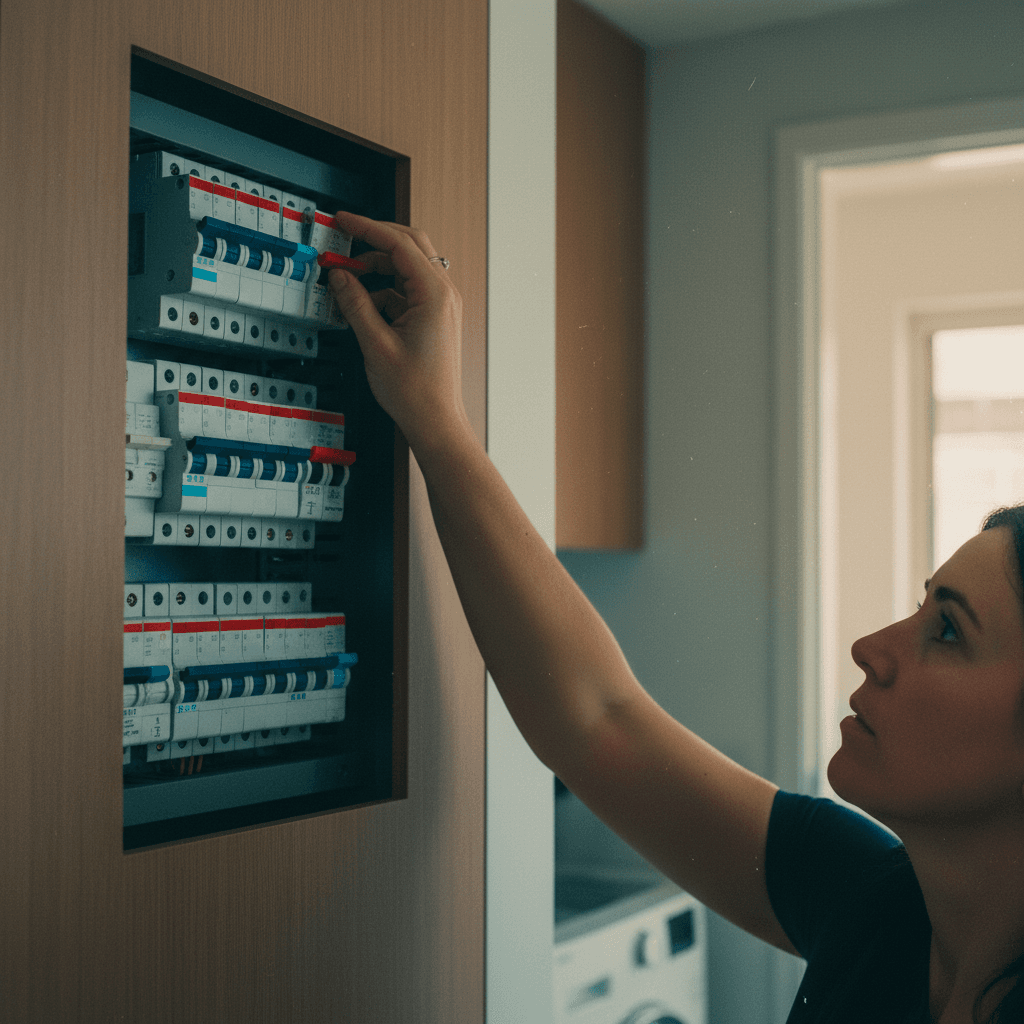
Why does my switchboard keep tripping? (Brisbane troubleshooting from a sparky)
The four common reasons a Brisbane switchboard trips, what each one means, and the order to investigate them in, without making it worse.